
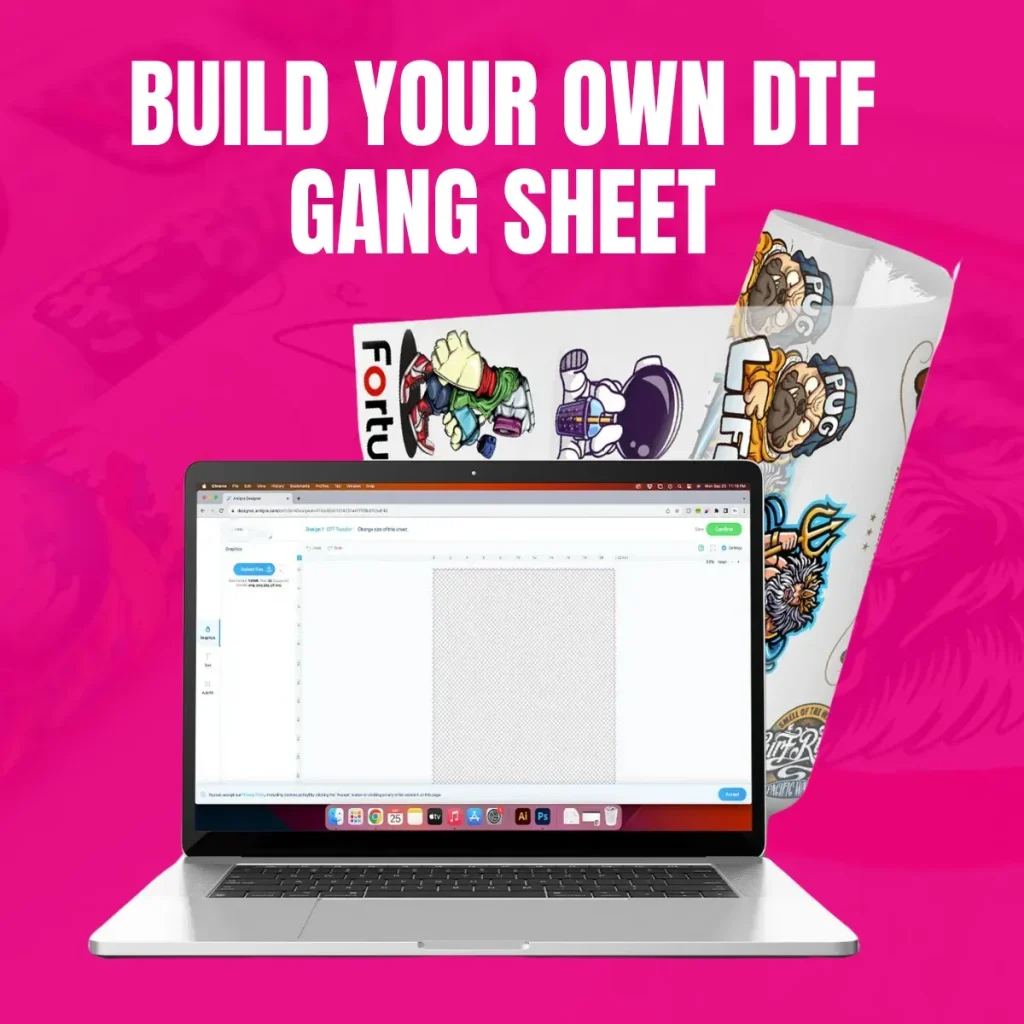
DTF Gangsheet Builder is transforming the way designers and print shops speed up production by organizing multiple designs on a single sheet. This intuitive tool helps maximize material usage, reduce setup time, and keep color and layout consistent across every transfer. In practice, it blends layout grids, margins, bleeds, and export options into a streamlined workflow that supports multi-design layouts and efficient batch handling. By visualizing all designs at once, teams can test variations quickly and ensure colors and alignment translate well to fabrics. With design automation at its core, the builder empowers newcomers and veterans to scale operations without sacrificing quality.
Seen from another angle, the concept becomes a sheet-based design tool that collates multiple transfers into a single production-ready layout. This modality, often described as sheet planning or batch layout optimization, leverages templates and automation to reduce manual edits and preserve color accuracy. For teams aiming to scale printing in this space, such systems align assets, grid patterns, and export-ready files to support repeatable, efficient batch work. In short, adopting this approach boosts throughput and consistency across high-volume runs by leveraging intelligent layout strategies and streamlined workflow automation.
DTF Gangsheet Builder: Accelerating Production with Smart Layouts
The DTF Gangsheet Builder brings together multiple design placements on a single sheet, turning a potentially tedious layout task into a streamlined process. For DTF printing, this means you can pack more designs into each transfer sheet, optimize material usage, and cut down on setup time across batch printing runs.
With intuitive grids, alignment guides, margins, bleeds, and color management presets, the builder enforces consistent placement across all jobs. Export options in common formats and one-click generation of gang sheets make design automation a practical reality for daily production.
Maximize Material Efficiency with Gang Sheets in DTF Printing
Gang sheets are the backbone of efficient DTF printing when handling dozens of designs. By placing designs on one sheet, you dramatically reduce waste, lower per-transfer costs, and accelerate the overall production queue, especially during batch printing.
Careful planning of grid size, margins, and bleed ensures readability and color balance even at high-volume runs. This approach helps you scale your operation without sacrificing quality or turnaround time.
Streamlining Projects with Print Templates for DTF Workflows
Print templates act as standardized layouts that you can reuse across projects. They lock in grid structure, margins, and color spaces so new designs slide into place with minimal adjustments, speeding up batch printing and ensuring consistency.
Using templates also helps new team members get up to speed quickly and supports design automation by enabling rapid replication of proven layouts across drops or collections.
Design Automation for Scalable DTF Production
Design automation is the cornerstone of scalable DTF production. Features like batch processing, object locking, and color presets let you duplicate layouts, swap designs in one click, and maintain uniform color and spacing across many gang sheets.
This level of automation is ideal for recurring drops, seasonal collections, and tight production windows, where speed and repeatability matter as much as creativity.
From Asset Prep to Export: A Descriptive Guide to DTF Gangsheet Workflow
Asset preparation sets the stage for smooth gangsheet creation. Gather high-resolution PNGs with transparent backgrounds or vector files, name assets consistently, and ensure each design is ready for transfer printing in the intended size.
During the workflow, import assets into the DTF gangsheet environment, position them with precise alignment, and apply bleed and margins before exporting in PNG, TIFF, or PDF for archival proofs and production.
Quality Assurance and Color Management in DTF Gangsheet Creations
Quality assurance starts with color management. Calibrate monitors, embed ICC profiles, and use consistent color presets to minimize surprises between proofs and prints in DTF projects.
Regular proofs, review of alignment and margins, and feedback from printers help identify issues early. Over time, building a library of templates and presets supports a reliable, repeatable gangsheet process that scales with demand.
Frequently Asked Questions
What is the DTF Gangsheet Builder and how does it assist DTF printing workflows?
The DTF Gangsheet Builder is a layout and project-management tool designed to create gang sheets—single sheets that hold multiple transfer designs—for DTF printing. It provides grid layouts, alignment guides, margins and bleeds, color management presets, and one-click exporting, which reduces setup time and ensures consistent placement across batch printing runs, aided by design automation to scale production.
How do gang sheets improve material usage in batch printing with the DTF Gangsheet Builder?
Gang sheets maximize material usage by arranging multiple designs on one sheet, minimizing waste. The DTF Gangsheet Builder optimizes spacing, margins, and bleeds, and lets you reuse layouts across batches, enabling efficient batch printing while keeping print quality consistent.
How can print templates and design automation improve consistency when using the DTF Gangsheet Builder?
Print templates lock grid, margins, and color space to maintain consistency across projects, while design automation speeds up layout replication for recurring drops. In the DTF Gangsheet Builder, applying templates to new designs ensures uniform output for batch printing and faster production.
What steps should I take to manage color and proofs when using the DTF Gangsheet Builder for DTF printing?
Use color management presets and embed ICC profiles to maintain color accuracy from screen proofs to final prints. Generate in-app proofs before batch printing and adjust colors or layouts as needed to avoid surprises in bulk.
How do I export gang sheets from the DTF Gangsheet Builder for production?
Export gang sheets in printer-compatible formats (e.g., PNG at 300 DPI, TIFF, or PDF) and embed the appropriate color profile. Save a master layout for future updates and consider export presets to ensure consistent results across batch printing runs and different printers.
What are common pitfalls when using the DTF Gangsheet Builder for gang sheets and how can I avoid them in batch printing?
Common issues include misaligned grid cells, inconsistent margins, overcrowding designs, and not accounting for fabric stretch. Avoid them by checking alignment guides, using templates and presets, generating proofs, and testing on sample fabrics before large batch printing.
| Topic | Key Points |
|---|---|
| What is a DTF Gangsheet Builder? | A project-management and layout tool for creating gang sheets. It arranges multiple transfer designs on one sheet, using grids, alignment guides, margins/bleeds, color-management presets, and one-click exporting to common formats. It reduces waste, ensures consistent placement, accelerates proofs, and speeds production. |
| Why gang sheets matter in DTF printing | Gang sheets maximize material usage, reduce waste, lower per-transfer costs, and speed up the printing queue. They enable quick turnarounds for trials and make it easy to test designs without full-width, single-transfer jobs—providing a single, repeatable workflow. |
| Getting started (5-step overview) | 1) Gather assets: high-res PNGs with transparency or vector files, consistent naming. 2) Set up canvas/grid: choose sheet size, set margins/bleed, decide grid vs. custom layout. 3) Import/place: snap designs into grid cells with equal spacing; apply color management if available. 4) Optimize for production: balance layouts, create variations, reuse templates. 5) Export/proofs: export in PNG/TIFF/PDF, embed ICC color profiles, save master file for updates. |
| Tips for best results | Maintain consistent asset sizes; use bleeds for edge-to-edge designs; calibrate monitor/printer color profiles; leverage templates/presets for recurring layouts; validate proofs before printing to catch spacing/color issues. |
| Common pitfalls | Misaligned grid cells, inconsistent margins, overcrowded designs, and unaccounted fabric stretch can lead to misprints. Regular checks and standardized margins help maintain professional results. |
| Advanced features | Batch processing, design templates, object locking, color presets, and export presets that hasten repetitive workflows and ensure consistent results across projects. |
| Real-world use cases | Small brands launching multiple designs per drop, screen-print/embroidery shops reusing gang sheets for transfers in a single run, and print-on-demand businesses testing new designs with minimal risk. |
| Quality assurance & optimization | Regularly audit alignment, color fidelity, and margins; collect printer feedback; use run data to refine templates and presets for better performance over time. |